
Welcome
The technical guide to using Sebati, for the people who work with it and the people who build with it.
What is Sebati?
Sebati brings the most intelligent AI into the way your organization works. Agents are shaped around your knowledge, systems, workflows, and approvals, so AI becomes part of how work actually happens. Your deployment runs on your own infrastructure and carries your organization's name, rules, and data.
Sebati is also built with you, not just sold to you. Your Sebati team (forward-deployed engineers, FDEs) helps discover the right use cases, build the first agents, and improve them after launch. That is why this guide covers both using Sebati and building with it, and why neither requires touching source code: everything happens through the product.
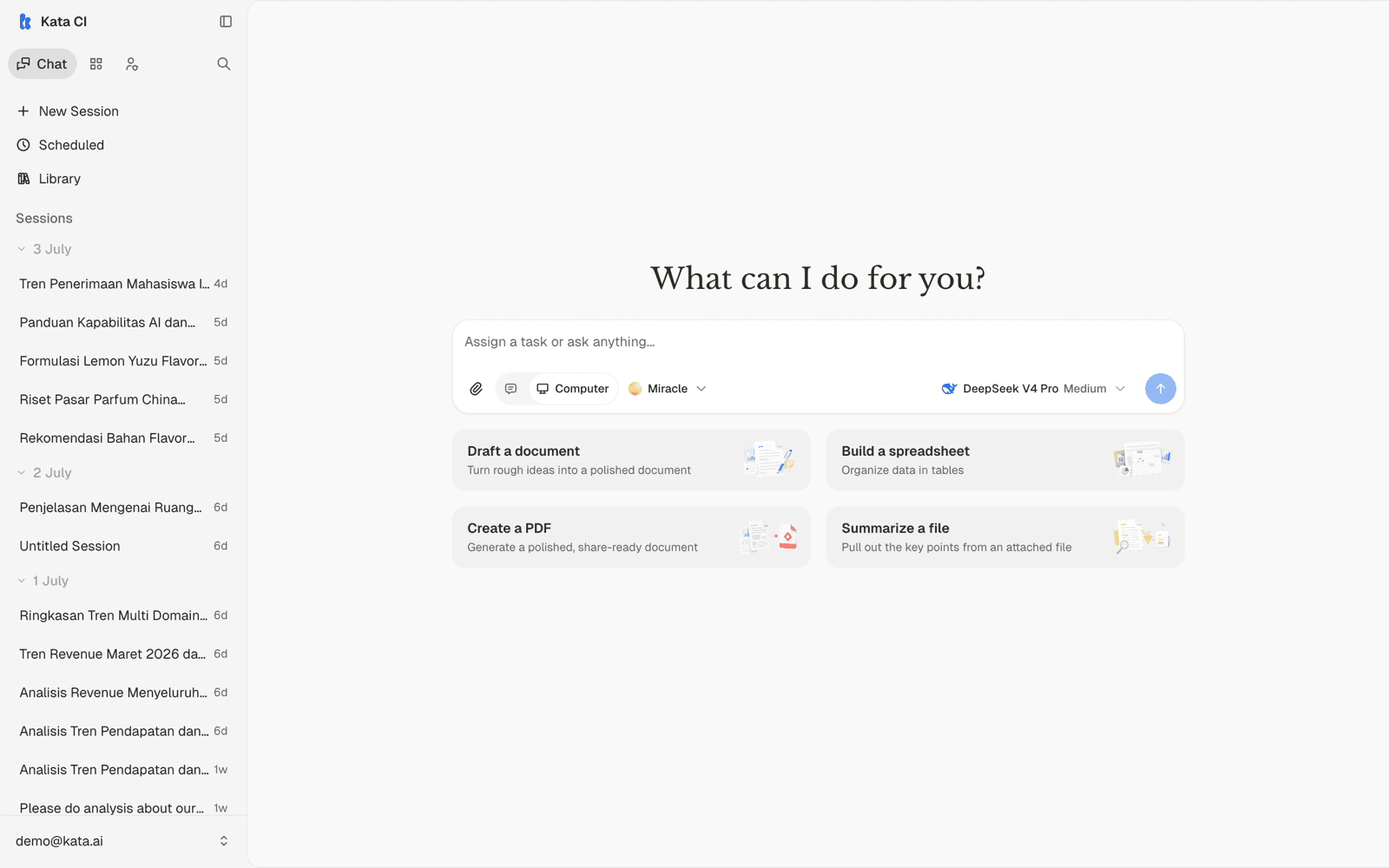
Examples throughout this guide come from a live demo deployment, using Ava, an executive copilot agent grounded in the demo company's analytics warehouse. Your own deployment will have its own name, branding, and agents; the mechanics are the same.
Five words carry most of this guide:
| Term | Meaning |
|---|---|
| Agent | Purpose-built AI for a kind of work, with its own knowledge, tools, and boundaries |
| Case | A structured work surface where agents process rows of repeatable work |
| Channel | Where work reaches an agent: chat, WhatsApp, forms, webhooks, schedules |
| Knowledge | Your trusted documents, ingested so agents answer from them with citations |
| Skill | A reusable procedure that teaches agents how your team works |
Start here
Your first conversation
Sign in, pick an agent, and get real work done in five minutes.
Build your first agent
Create, configure, and publish a working agent from the Console.
Find your path
| I want to | Read |
|---|---|
| Chat with agents, attach files, share results | Everyday use |
| Create documents, slides, and spreadsheets | Creating content |
| Let an agent run on a schedule | Scheduled work |
| Configure an agent's prompt, models, and features | Agents |
| Give agents trusted company knowledge | Knowledge |
| Connect Slack, WhatsApp, email, forms, or webhooks | Channels |
| Turn a repeatable workflow into structured AI work | Cases |
| Build agents from Claude Code or Codex | Copilot MCP |
| Call Sebati from my own systems | API essentials |
| Manage members, roles, and keys | Workspace administration |
Working in a team? A Workspace is where a team's agents, knowledge, Cases, and channels live; your organization can have several, and everything in this guide happens inside one.